AI can help identify accessibility issues faster, but human review is essential to ensure fixes are accurate and preserve approved content. Learn how Visus combines AI-driven detection, expert review, and measurable results to make public-service websites more accessible, reliable, and accountable.
Public websites for healthcare organizations, government agencies, and nonprofits carry an obligation that most marketing sites can treat as optional. Visitors need to reach the same information whether they use a screen reader, keyboard only, or a browser with high contrast settings. When those sites fall short, the usual remedy is a manual audit followed by a long backlog of fixes that compete with feature work.
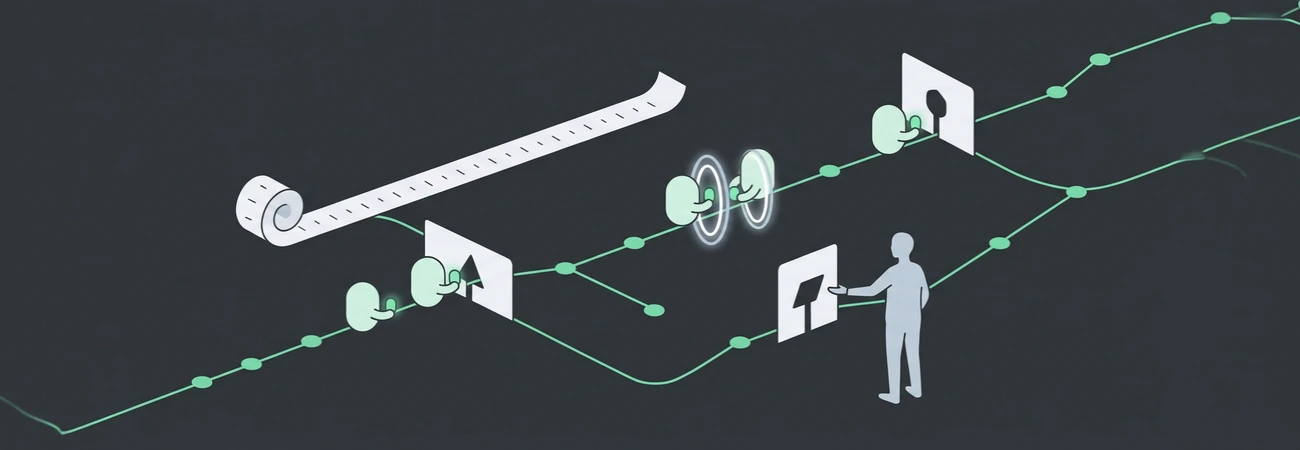
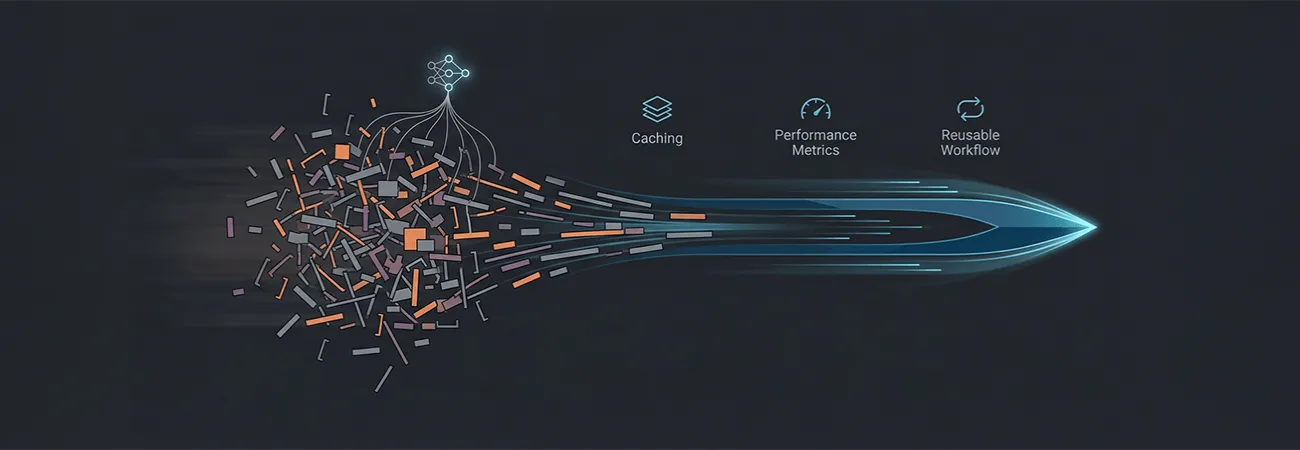
AI can shorten the discovery phase of that work. It can also create new problems if the team treats generated alt text or heading suggestions as finished. We treat accessibility remediation as a pipeline with a human gate at the end, not as a one-time model call.
Where models help without inventing structure
The first useful pass is inventory. A model can walk the rendered pages and the source markup, then list missing alt attributes, empty links, form fields without labels, tables that lack headers, and color combinations that fall below contrast thresholds. It can also flag heading order that jumps from an h2 to an h4. These are mechanical findings. They do not require the model to understand the business purpose of the page.
Document remediation is similar. PDFs that were exported from word processors or scanned from paper often lack tags. A model can propose a reading order and suggest alternative text for figures that appear in the document. The proposal is useful only when a person who understands the content reviews it. A medical form that loses its table structure in the tag tree can produce a screen-reader experience that is worse than the untagged original.
We do not let the model rewrite page content to "improve accessibility." Changing the wording of a program eligibility statement or a clinical instruction is a content decision. The accessibility pipeline flags the problem and proposes a structural fix. Content owners decide whether the words themselves need to change.
Alt text and headings need context the model does not have
Alt text is the clearest example. A model can describe an image as "a smiling doctor in a white coat." On a clinic site that image may sit next to a specific provider's name and a call to action for new patients. The useful alt text names the person and the role. The generic description adds noise.
We feed the model the surrounding heading, the page title, and any caption already on the page. The generated text is then limited to a short descriptive phrase. A reviewer who knows the page's purpose accepts, edits, or rejects it. The same rule applies to decorative images: if the image adds no information, the correct alt is empty, and the model is instructed to mark it as such rather than invent a description.
Heading structure follows the same pattern. The model can propose a hierarchy based on visual weight and existing tags. It cannot know that a promotional banner should stay outside the main heading outline because it is not part of the document content. That decision stays with the person who owns the page template.
Forms and error messages require more than label suggestions
Form accessibility problems are common on sites that grew by adding fields over time. A model can suggest a label for a field that currently has only a placeholder. It can also flag error messages that appear only as color changes. The useful output is a list of fields that lack programmatically associated labels, plus a proposed association.
What the model cannot reliably do is invent the correct validation rule or the wording of an error that legal or clinical staff already approved. We keep those strings in the existing content system. The pipeline checks that the error is announced to assistive technology and that focus moves to the field when the error appears. The wording itself is not rewritten unless the content owner requests it.
The review step is the part that keeps the work defensible
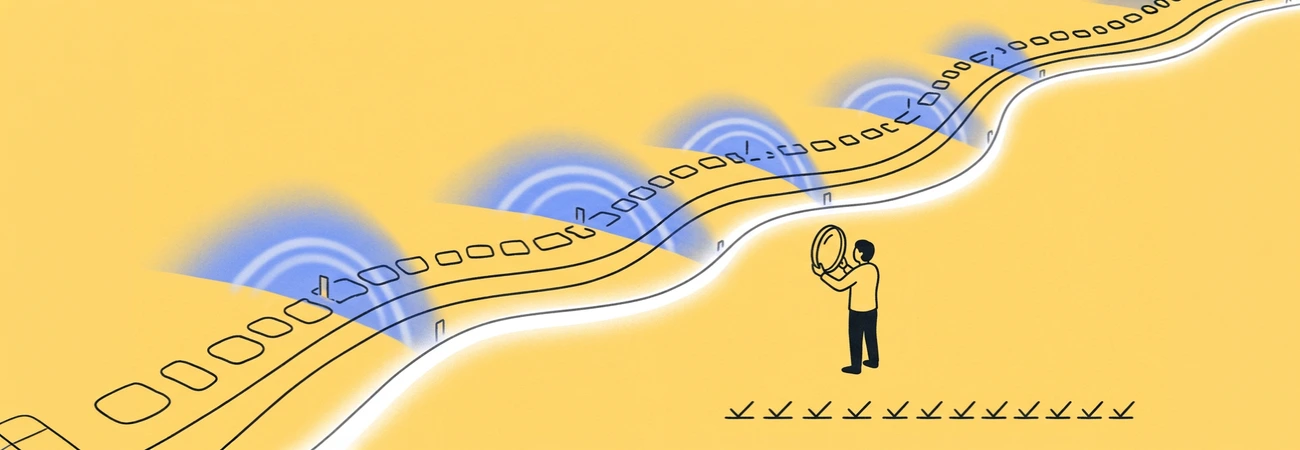
Every batch of suggested fixes goes to a reviewer who can open the page in a screen reader or keyboard-only test. The reviewer confirms that the change does not break an existing interaction, that the reading order still matches the visual layout for sighted users, and that no content was altered beyond the structural fix. For healthcare and government pages, the reviewer also confirms that no protected information was exposed in the alt text or document tags that was not already visible on the page.
We record the model version, the prompt or skill version, and the reviewer's decision on each item. When a later audit questions a particular alt text or heading, the record shows whether a person accepted the suggestion or changed it. That record is the difference between an automated cleanup and a process that can answer a complaint.
Measuring progress without creating a new backlog
The metric we track is the number of pages that pass a defined set of automated checks after human review, not the number of suggestions the model produced. A suggestion that is rejected because it would have changed approved wording counts as a successful catch, not as wasted work. We also track how long it takes from the model's inventory to a reviewed change in the production content. If that interval stretches, the bottleneck is usually the review capacity, not the model.
Accessibility work on regulated or public-service sites does not end when the model finishes its pass. The pipeline is useful because it reduces the time spent finding mechanical problems and forces the remaining judgment calls into a queue that has an owner. The pages that reach production have been checked by someone who can be asked about the decision later. That is the standard the work has to meet.