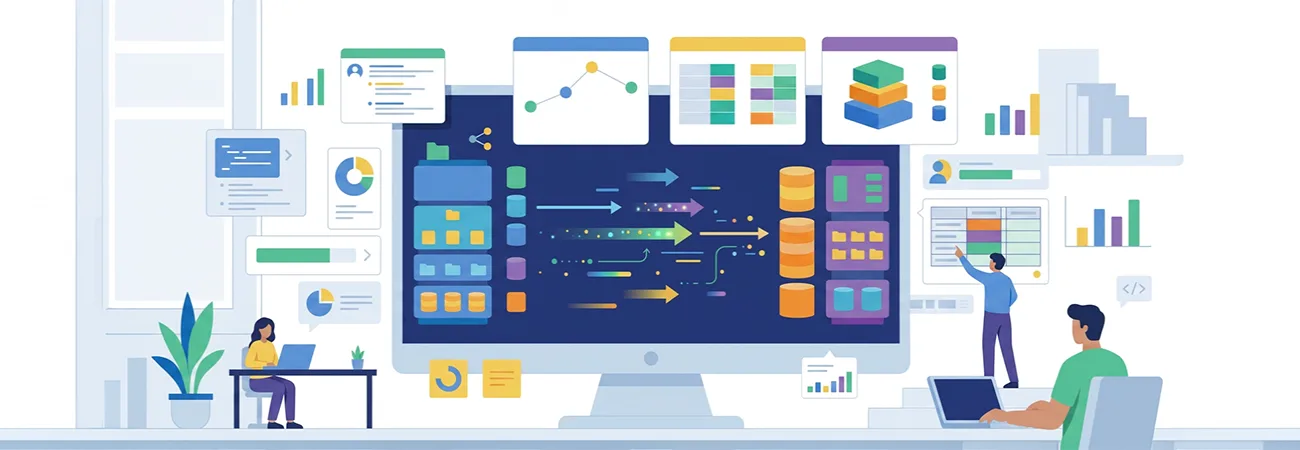
AI can make integration discovery faster and more consistent by helping teams inventory system fields, propose mappings, identify risks, and prepare test cases before development begins. Learn how Visus uses a repeatable, AI-assisted approach across Azure, Power Automate, n8n, and custom API integrations while keeping critical decisions and validation in human hands.
Integration work is often estimated from conversations and a handful of sample files. The real shape of the systems involved usually appears later, during development, when a required field turns out to be calculated differently on each side or a rate limit was never documented. AI does not remove that discovery work. It can make the first pass faster and more consistent if the team treats the model as a tool for inventory and comparison rather than as the person who decides the mapping.
We use the same sequence on Azure-based integrations, low-code flows in tools such as n8n or Power Automate, and custom API work. The sequence produces an inventory, a proposed mapping, a risk list, and a set of test cases. A developer or analyst reviews each of those before any code is written.
Inventory starts with what the systems already expose
The first step is to collect what each system will actually provide. For an API that has an OpenAPI or Swagger document, the model can extract the endpoints, the required fields, the authentication method, and any documented rate limits. For a system that only has sample exports or a database schema, the model can list the tables or files, the columns that appear to be identifiers, and the columns that look like dates or status codes. The output is a structured list, not a narrative.
We do not ask the model to guess at fields that are not in the samples or the schema. If a business rule exists only in a person's description of the process, that rule is captured separately as an interview note. Mixing the two creates a document that looks complete and is not.
Mapping proposals are labeled as proposals
Once both sides have an inventory, the model can propose which fields correspond. The proposal includes the source field, the target field, the transformation if one is obvious from the samples, and a confidence note when the match is based only on similar names. Fields that have no clear counterpart are listed as unmatched rather than forced into a mapping.
The person who knows the business process reviews the proposal. They mark mappings as confirmed, needs clarification, or rejected. They also add the rules that the samples did not show, such as a status code that means "do not sync" or a calculated total that must be recomputed rather than copied. The reviewed mapping becomes the working document for development. The model's original proposal is kept so that later questions about why a field was excluded can be answered.
Risk scoring focuses on the items that cause rework
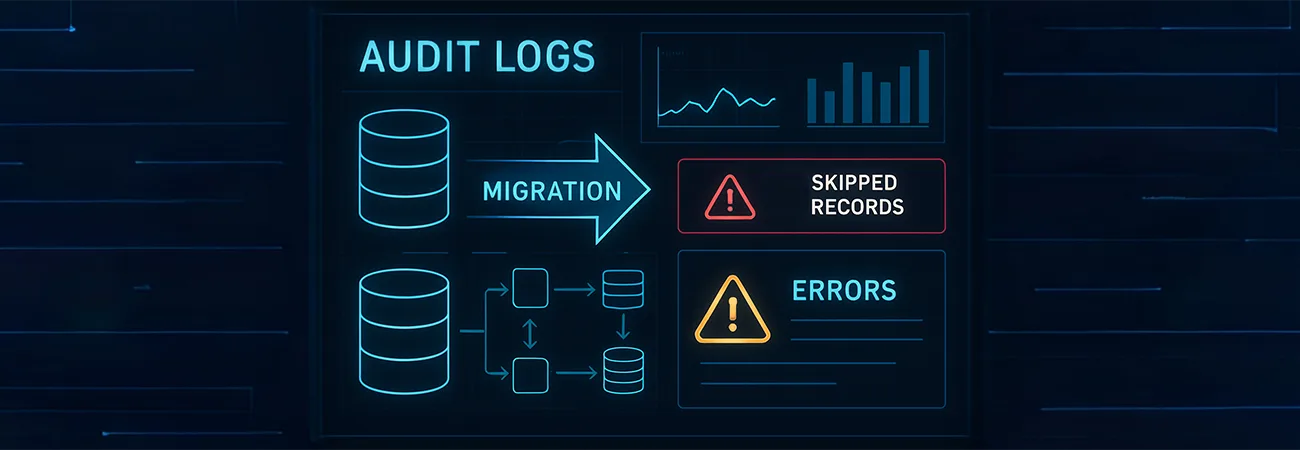
The model can flag patterns that have caused problems in previous integrations: fields that appear in only some of the sample records, dates that use more than one format, identifiers that are not unique in the source, and endpoints that require pagination or continuation tokens. These flags are not a full risk assessment. They are a checklist that prompts the reviewer to look at the samples again or to ask the system owner a specific question.
We also ask the model to list any authentication or network constraints that appear in the documentation. A private endpoint requirement or an IP allow-list is easier to surface in the discovery document than to discover when the first production call fails. The reviewer decides whether the constraint is already handled by the existing infrastructure or whether it needs a new ticket.
Test data is generated from the reviewed mapping, not from imagination
After the mapping is reviewed, the model can generate test records that exercise the confirmed transformations. The records are based on the shapes in the real samples, with values changed enough to avoid using production data. Edge cases that the reviewer marked, such as a missing optional field or a status that should be skipped, are included as separate cases.
These generated records are useful for early development. They are not a substitute for a test run against a non-production instance of the real system. The final validation still uses data that the source system actually produced, because the model cannot know about values that were not in the samples it saw.
The method travels across tools
The same inventory, mapping review, risk list, and test-case steps apply whether the eventual implementation is an Azure Data Factory pipeline, a Power Automate flow, an n8n workflow, or custom code. The discovery document does not assume a particular runtime. That keeps the analysis usable if the team later decides to change the implementation approach.
What changes is the amount of manual cleanup. Systems with good API documentation need less extraction work. Systems that only provide CSV exports or database views need more time spent confirming that the samples are representative. The model reduces the time spent on the mechanical extraction and comparison. The decisions about what the integration is supposed to do remain with the people who will be accountable for the result when it runs in production.