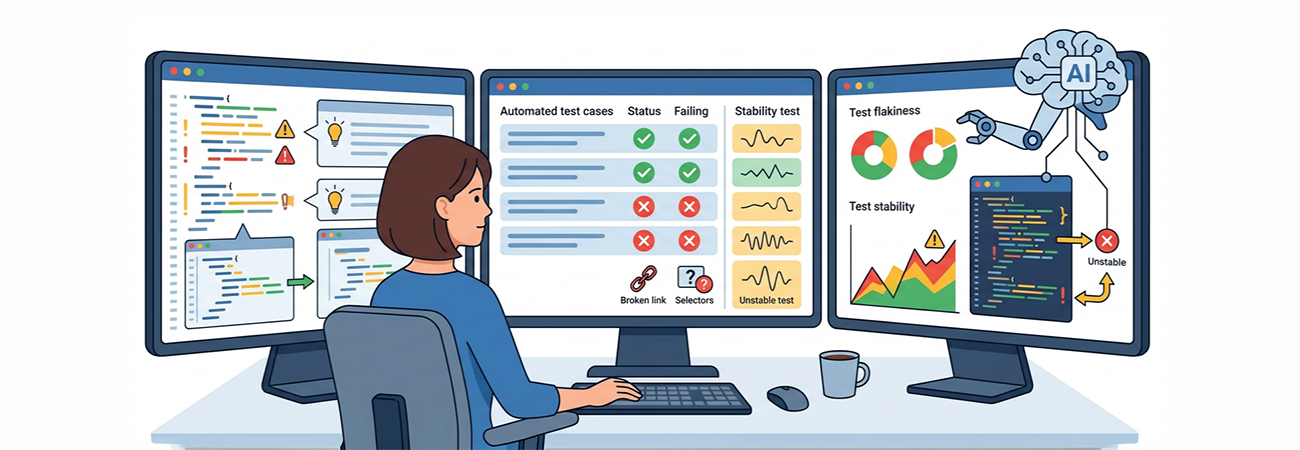
Automated UI testing with Selenium is powerful—but it comes with a cost. Tests become brittle, selectors break, and maintaining large test suites often feels harder than writing them in the first place.
Tools like GitHub Copilot can help—but only if you use them correctly.
This guide walks through how to use Copilot not just to generate Selenium tests, but to maintain, stabilize, and scale them over time.
The Problem with Selenium Tests
If you've worked with Selenium long enough, you've seen this:
- Tests fail because of minor UI changes
- Selectors become outdated
- Test suites grow faster than they can be maintained
- Debugging failures takes longer than writing tests
Copilot doesn't magically fix this—but it can reduce the pain significantly.
Where Copilot Falls Short
Let's be honest—Copilot is not a senior QA engineer.
It struggles with:
- Understanding real user flows
- Detecting flaky test patterns
- Writing meaningful assertions
- Keeping tests aligned with business logic
If you rely on it blindly, you'll end up with:
A large, fragile test suite that looks good but fails constantly.
Best Practices for Using Copilot with Selenium
- Always review generated code
- Prefer Page Object Model from the start
- Use explicit waits, not sleeps
- Keep selectors stable (data attributes > CSS chains)
- Use Copilot for acceleration, not decision-making
Final Thoughts
GitHub Copilot won't solve Selenium's biggest problem—maintenance—but it can significantly reduce the effort required to manage it.
Used correctly, it becomes:
- A fast scaffolding tool
- A refactoring assistant
- A debugging companion
Used incorrectly, it becomes:
- A generator of brittle, unverified tests
The difference is how intentional you are with it.
Selenium isn't going away anytime soon. But how we maintain it is changing—and AI is now part of that story.