As organizations migrate traditional Windows server applications to cloud environments, controlling user access becomes a critical challenge. A common scenario involves providing users access to specific applications without exposing the full desktop environment. This balance between security and usability is essential, especially in multi-user Azure Virtual Machine (VM) setups.
In a recent engagement, a client faced this exact challenge: moving applications from a Windows server to Azure VMs while restricting users to single-application access instead of the entire desktop. This requirement aimed to safeguard sensitive resources and simplify the user experience.
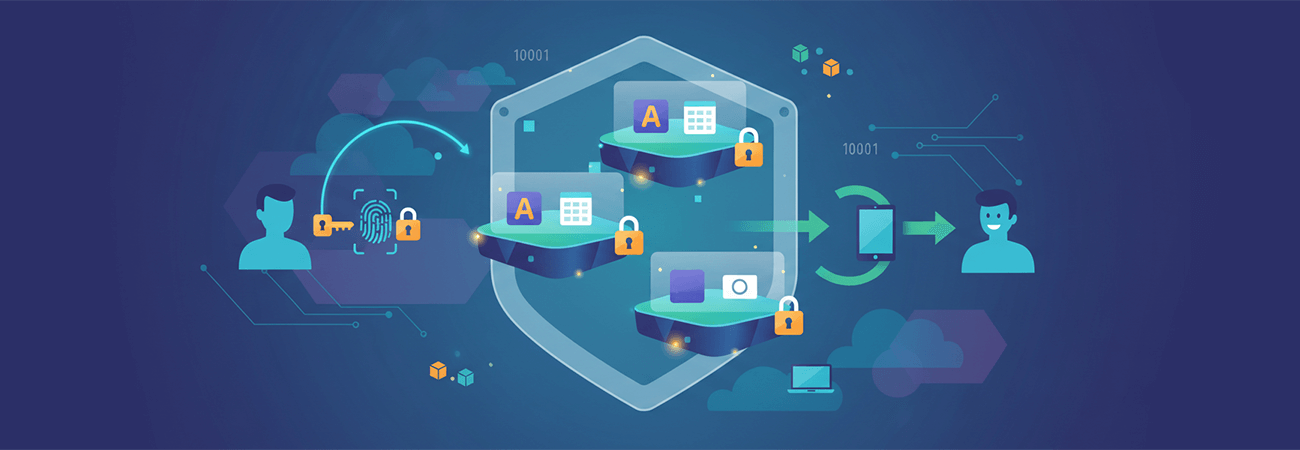
The solution leveraged Azure RemoteApp, a powerful tool that enables seamless delivery of individual applications within a virtual desktop session. By configuring Azure RemoteApp, users could launch designated applications that run in windowed or full-screen mode, but crucially, they had no access to the VM's taskbar, start menu, or other desktop features when minimizing the app. This setup ensured users interacted only with their authorized software, reducing security risks and improving operational control.
Key takeaways from this approach highlight Azure RemoteApp's ability to efficiently share VM resources without compromising security. It offers a streamlined experience by exposing only the necessary applications, preventing users from navigating beyond their permissions. For organizations seeking to move workloads to the cloud while maintaining granular access control, Azure RemoteApp provides a flexible, scalable solution.
By carefully managing application access in Azure VMs, businesses can enhance security postures and deliver focused user environments tailored to specific roles or tasks. This approach aligns with modern cloud strategies, emphasizing both productivity and protection.