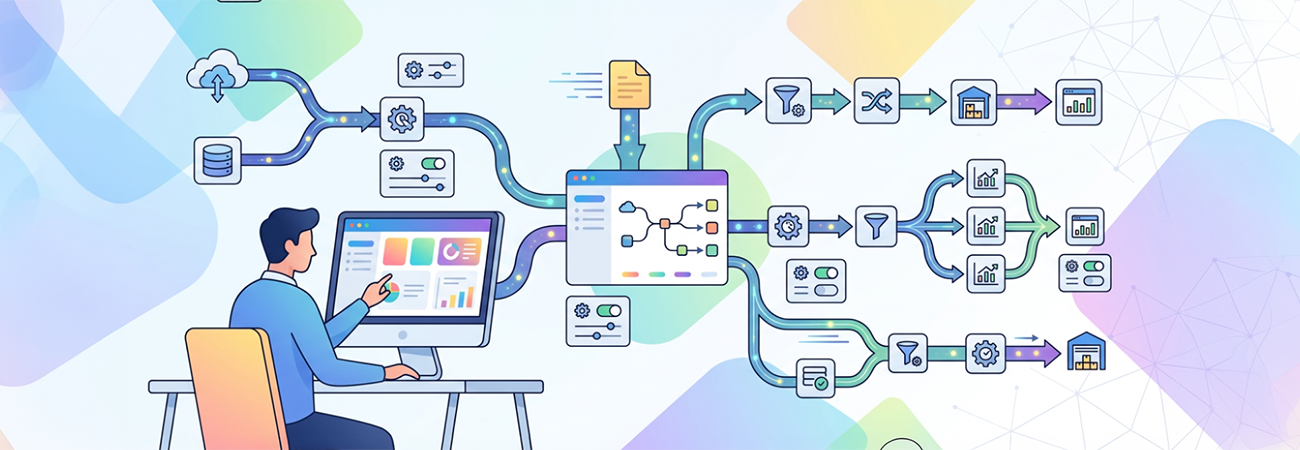
Managing multiple data pipelines in Azure Data Factory (ADF) can quickly become complex and unwieldy. A common challenge arises when teams duplicate pipeline logic for different data sources or environments, leading to increased maintenance overhead, potential errors, and scalability issues. This was precisely the problem addressed for a client who needed an efficient way to scale data workflows without multiplying the number of pipelines.
The solution centered on implementing structured parameterization across pipelines, datasets, and linked services. By designing generic datasets with parameters for elements like file names, table names, schemas, and file paths, pipelines could dynamically adjust to varied inputs without duplicating code. Reusable pipelines accepted these parameters to perform the necessary operations, while parameterized triggers tailored pipeline execution per environment. Leveraging Azure DevOps CI/CD integration ensured smooth deployment and environment consistency.
This approach dramatically streamlined the data factory architecture, reducing the number of pipelines maintained and minimizing human error during changes. Key lessons emerged from this effort:
- Standardizing naming conventions and data structures is critical; without it, parameterization becomes fragile and prone to failure.
- While parameters empower dynamic workflows, overusing or poorly structuring them can obscure pipeline logic and complicate debugging.
- Combining generic datasets with parameterized linked services unlocks true scalability.
- Git integration and automated deployment pipelines are essential to maintain consistency across environments and support thorough testing.
By adopting these best practices, the client gained a more maintainable, scalable Azure Data Factory environment capable of adapting efficiently as new data sources or environments are introduced. Parameterization not only reduced development effort but also improved reliability and operational agility—a vital edge in today's fast-paced data landscape.