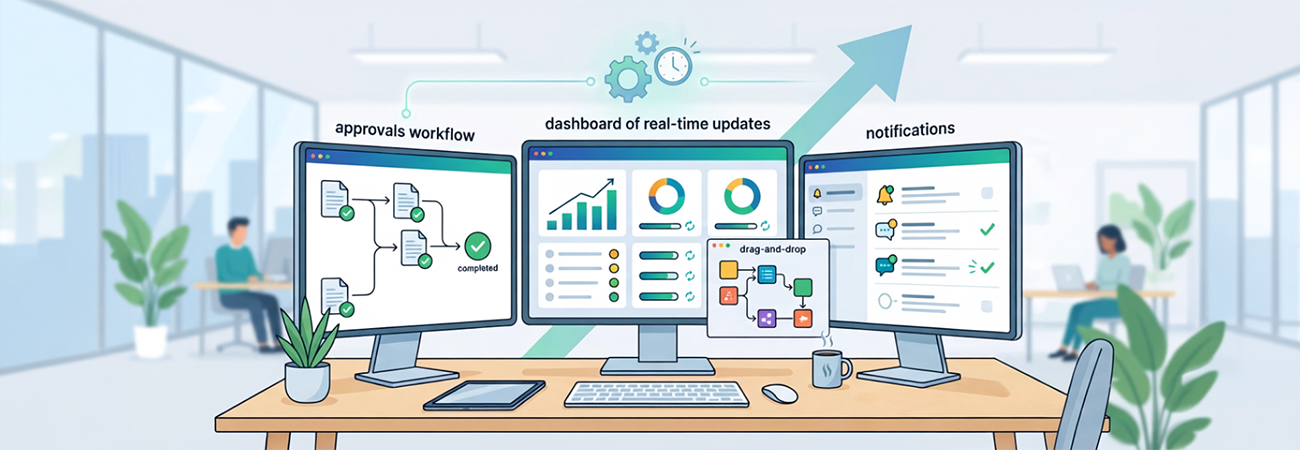
Many organizations struggle with time-consuming manual tasks—approving requests, updating SharePoint lists, and sending routine notifications. Often, these repetitive duties require developer support, custom scripting, or worse, are delayed or forgotten entirely. One organization faced exactly this challenge: multiple disconnected systems and business processes, all demanding frequent manual attention.
To address this, Visus implemented a series of no-code automation workflows using Microsoft Power Automate. The solution made it possible to streamline repetitive tasks without tapping into development resources. Built-in connectors and event-based triggers allowed workflows to activate the moment specific actions occurred—such as a new SharePoint item, an incoming email, or a database update.
The impact was immediate. Approval requests were routed automatically via email, complete with tracking. SharePoint lists were updated in real time. Teams channels received intelligent alerts based on predefined conditions. Integrations with Outlook, Planner, Excel, and other platforms were configured quickly, often in just a few clicks.
These improvements were designed and deployed directly by business users—eliminating bottlenecks and reducing IT dependency.
Key takeaways from this engagement:
- Low-code tools, high impact: Automation doesn't need to be complex to be effective.
- Efficiency at scale: Reducing repetitive work frees teams to focus on strategic goals.
- Clear process mapping is critical: Understanding the workflow is just as important as automating it.
- Visibility matters: Built-in monitoring and logs ensure every flow runs as expected.
This Power Automate implementation not only saved hours of manual effort each week, but also demonstrated the power of enabling business users with the right tools to drive operational efficiency—without writing a single line of code.