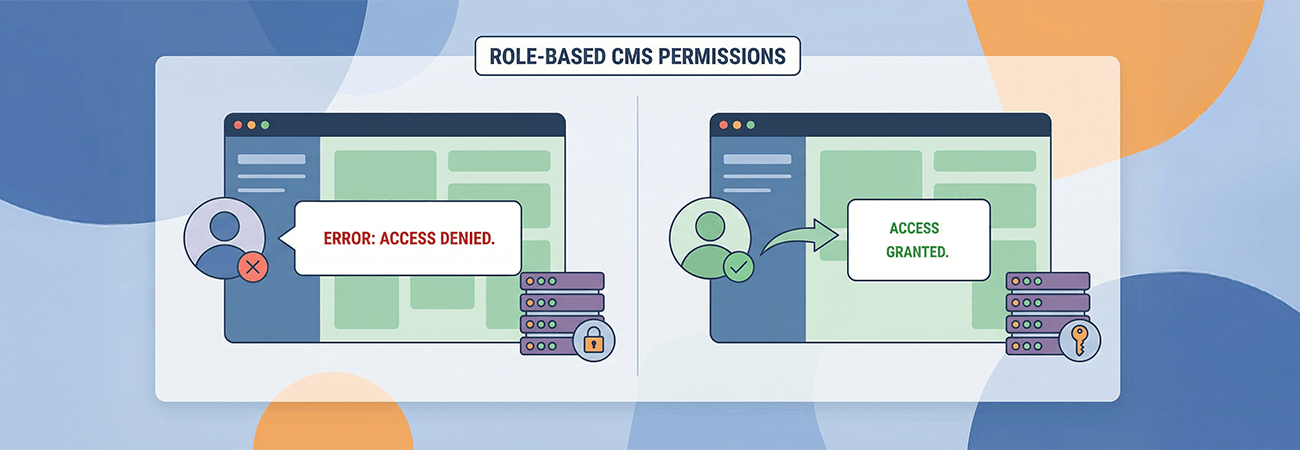
Reliable content workflows are essential for organizations that depend on Sitefinity CMS to keep public-facing information accurate and up to date. When those workflows break down—especially for certain users but not others—small configuration issues can quickly escalate into operational roadblocks.
A client operating a complex, public-sector Sitefinity website encountered this challenge firsthand. While some users could edit pages without issue, other users were intermittently blocked by a “403 Forbidden” error when attempting to make routine updates in the Sitefinity backend. The inconsistency created confusion and slowed content updates.
A Problem That Didn't Follow the Rules
At first glance, the issue appeared to be code-related. However, Visus could not reproduce the error locally, even with a full copy of the client's application code and database. This discrepancy suggested the problem extended beyond the application itself.
The breakthrough came when the client identified a critical pattern: administrators were never affected, while editors were consistently blocked. That distinction shifted the focus from code defects to role-based access and request handling—areas where subtle misconfigurations can produce outsized impacts.
Tracing the Root Cause
Further investigation revealed that the 403 error occurred during a request to a specific Sitefinity service tied to Responsive Design functionality. Visus evaluated common causes, including module availability, server request filtering, and service endpoint access. Each potential fix ruled out infrastructure or configuration issues at the server level.
Ultimately, the root cause proved to be a permissions change. A key Sitefinity permission controlling access to Responsive Design services – namely the “Access responsive design” permission – had been altered from its default setting. By default, it is assigned to the ‘Designers' role and restoring that permission to its intended configuration immediately resolved the issue, allowing non-administrator users to access the service as intended.
Restored Access and Smoother Workflows
With permissions corrected, editors regained full access to page editing tools without encountering errors. Content workflows returned to normal, administrative overhead decreased, and the risk of future disruptions dropped significantly. The resolution reinforced the importance of validating role-based permissions early—especially when issues affect only certain user groups.
Key Takeaway
When backend errors appear inconsistently across user roles, permissions should be the one of the first places teams look. Environment and configuration differences can easily masquerade as application defects. By systematically isolating the problem and validating access controls, Visus helped restore reliability and confidence in the client's Sitefinity CMS environment.
For organizations managing complex CMS implementations, this experience underscores a simple but critical lesson: not every “technical” issue starts with code, but every resolution starts with careful investigation.