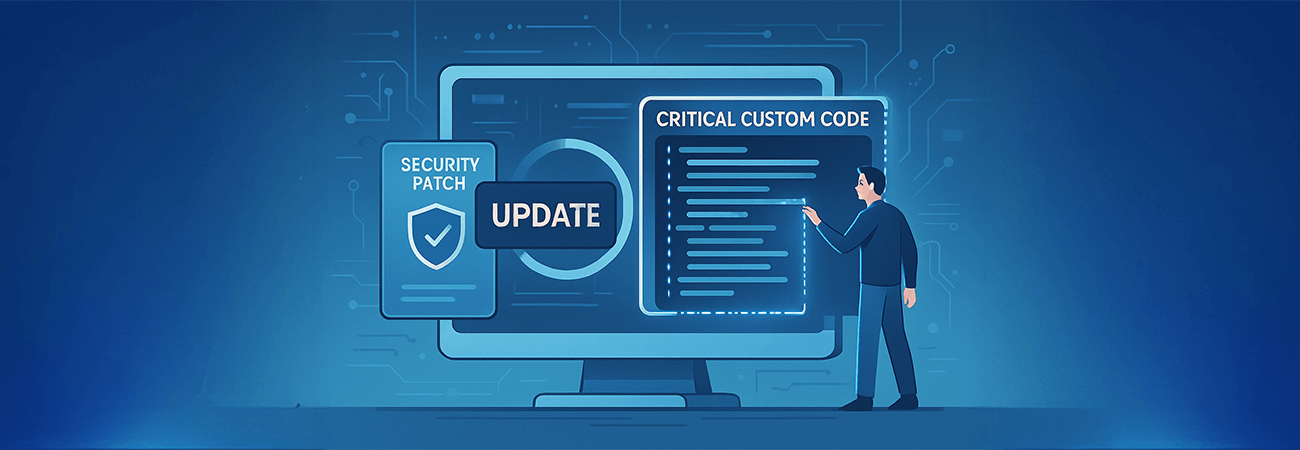
In the fast-moving world of software development, applying a security patch often seems like a routine task—quick, essential, and relatively low risk. But not all patches are created equal. In one recent case, what appeared to be a standard update had the potential to overwrite hundreds of files, including those containing critical custom functionality.
The complexity stemmed from the patch's broad scope. Rather than targeting only the files affected by a specific vulnerability, it replaced large swaths of the codebase—many of which had been carefully customized to meet business-specific requirements. Without visibility into these changes, a straightforward patch could have compromised core functionality or caused regressions in previously stable features.
To mitigate risk, version control tools were used to run detailed file comparisons post-patch. This surfaced unexpected modifications across numerous files, including areas unrelated to the stated intent of the security fix. In cases where custom logic had been applied, the solution required carefully isolating those changes, migrating them to new files, or reapplying them manually—always ensuring compatibility with the newly patched environment.
The experience reinforced several key lessons. First, never assume that a patch—no matter how minor it may appear—won't impact customized code. Even small updates can touch shared libraries, templates, or configuration files that drive unique application behavior. Second, code comparison tools are essential for preserving customizations and identifying hidden risks. Finally, no patch deployment is complete without a structured testing window to verify that application behavior remains consistent.
In environments where customization and security go hand in hand, a well-planned approach to patching is not just good practice—it's critical for maintaining stability, compliance, and confidence.